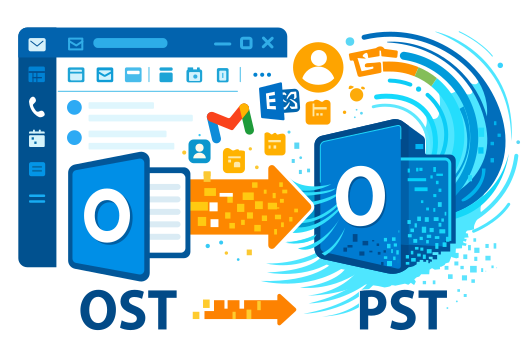
Can I convert OST to PST without Exchange Server?
Yes. Offline OST to PST Converter allows you to read an OST file and save the data to PST without connecting to Microsoft Exchange Server, Domain Controller, or the old email account.
Can I open an OST file without Outlook?
Yes. The program can open an OST file for viewing inside its own interface. You will be able to see folders, emails, contacts, calendar items, and other elements. To save the result specifically as a PST file, desktop Microsoft Outlook for Windows is required.
Why is Offline OST to PST Converter better than an online converter?
The main difference is local processing. The OST file does not need to be uploaded to a website. This improves privacy and is convenient when working with large files, corporate mail, and personal attachments. The registered version also has no limits on the number or size of files that can be converted.
Can I convert a large OST file to PST?
Yes. The registered version of Offline OST to PST Converter does not limit the size of the OST file. For very large files, it is recommended to use the 64-bit version of Microsoft Outlook and have enough free disk space.
Can I move emails from OST to a new Outlook profile?
Yes. First, convert OST to PST, then open the resulting PST file in Microsoft Outlook using File → Open & Export → Open Outlook Data File. After that, the data will be available in Outlook as a separate data store.
Can I save only part of the data from an OST file?
Yes. The program allows you to view the contents of the OST file and select the folders or items that need to be exported. This is useful if you only need to move inbox emails, sent messages, contacts, or calendar items.
What data can be moved from OST to PST?
You can move emails, attachments, Outlook folders, contacts, calendar items, tasks, and notes if this data is available in the source OST file.
Does the program work without the Internet?
Yes. Offline OST to PST Converter is designed for local use. An Internet connection is not required to analyze the OST file and convert the data on your computer.
Can I use the program for multiple OST files?
Yes. The registered version has no limit on the number of OST files that can be converted. This is convenient if you need to process several Outlook archives or move data from different computers.
What should I do if Outlook cannot open an OST file?
Select the OST file in Offline OST to PST Converter, start the analysis, and check which data is available for viewing and export. After conversion, save the data to PST and open the PST file in Microsoft Outlook.